
SAM
 SAM - SlideME Application Manager
For Android Device Users
SAM is an "App-Store" application for your Android device that eases the discovery and download of applications directly to your device available from SlideME.
Download the SlideME Market App "SAM" (SlideME Application Manager) to your device by entering http://slideme.org/sam.apk from your device's browser.
More info: http://slideme.org/sam2
The still expanding SlideME catalog within SAM contains both free & paid applications. Free applications are also available from our web & mobile storefronts. You will find it easier though to use SAM from your Android device to discover both 'free' and 'paid' applications.
SAM supports SlideME's Storage Locker. This allows you to re-download or upgrade Android applications you have previously purchased in case you lost or reset device.
To install SAM, you can either scan the 2D barcode with your camera scanning application as it appears on http://slideme.org/application/slideme-marketplace or directly enter in your device's browser URL: http://SlideME.org/sam.apk to download SAM to your mobile device. Make sure your tap on downloaded file to install SAM and assure you have Unknown Sources enabled from your device's settings.
SAM for Handset Vendors, Distributors and Mobile Network Operators
SlideME has developed the first Android App-Store, both a web storefront 'SlideME.org', a mobile storefont 'm.SlideME.org' and SAM as an 'on-device' App-Store client. SAM can be branded and customized for such requirements. SAM is available as is for potential partners to include on their devices. MNO's interested in carrier billing integration should contact our partners team.
Kindly visit our partners section for further information.
SAM currently supports the following 31 languages:
Arabic
Chinese,TC,SC
Czech
Croatian
Danish
Dutch
English
Finnish
French
German
Greek
Hebrew
Hungarian
Indonesian
Italian
Japanese
Korean
Malay
Norwegian
Polish
Portuguese
Romanian
Russian
Slovak
Spanish
Swedish
Thai
Turkish
Ukrainian
Vietnamese
Some screenshots of the newly designed SlideME Application Manager (SAM) ver.5
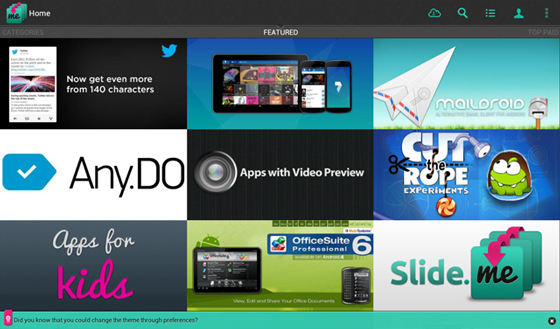
Above, main home screen with featured apps and App Collections
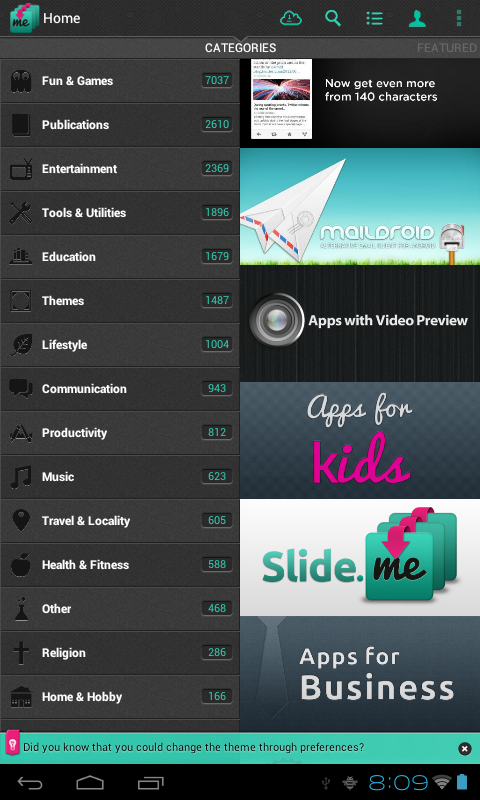
Above, portrait mode home screen with sliding category list
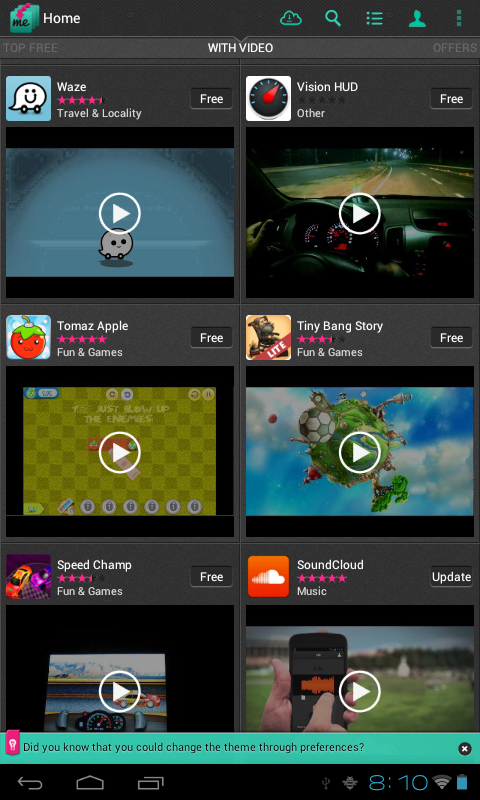
Above, app lists with video previews.
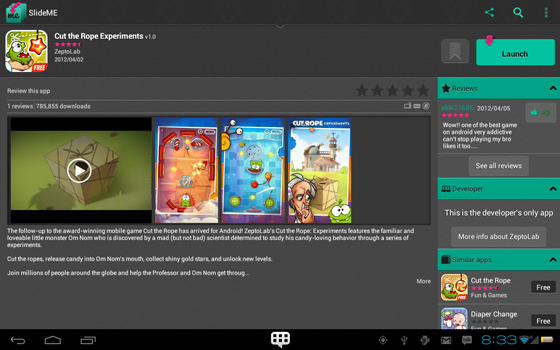
App details perspective.
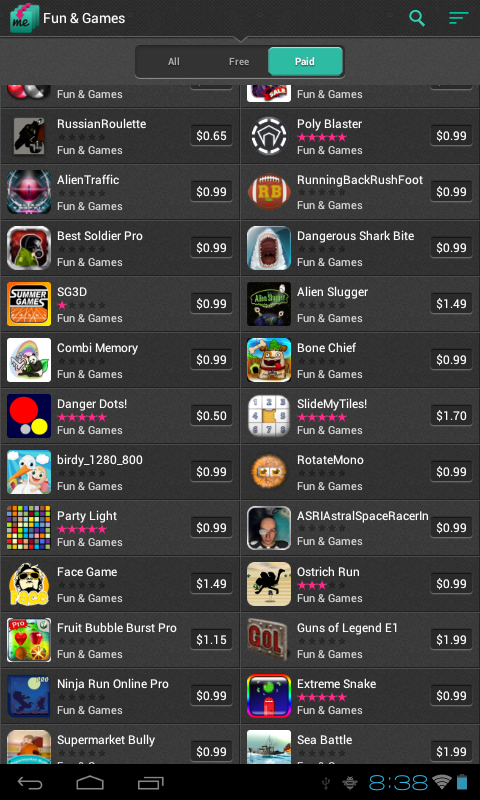
App lists from within a category with slider to choose between Free, Paid & All apps.
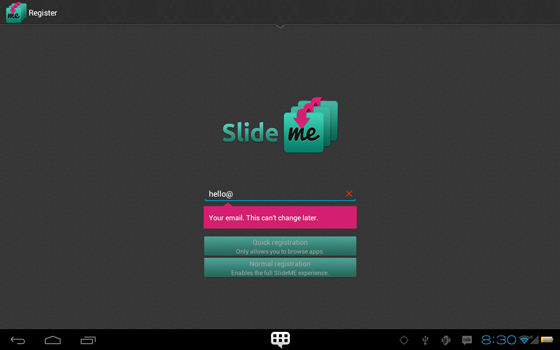
Account registration
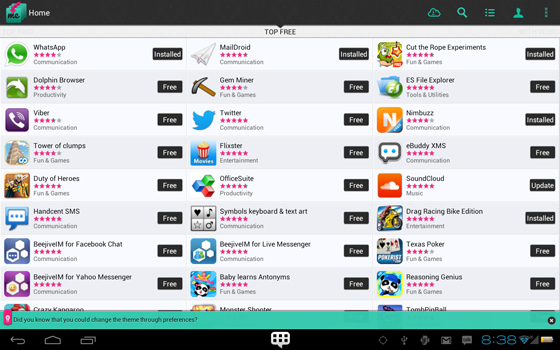
List of apps in light theme mode.
Why not try downloading SAM v.5 from: http://slideme.org/application/slideme-marketplace
Login
Search
Download the SlideME Marketplace (SAM)
Discover and download Android applications directly to your device. Learn more.